



How Long Do Apple Pencil Nibs Last? Wear & Care Guide
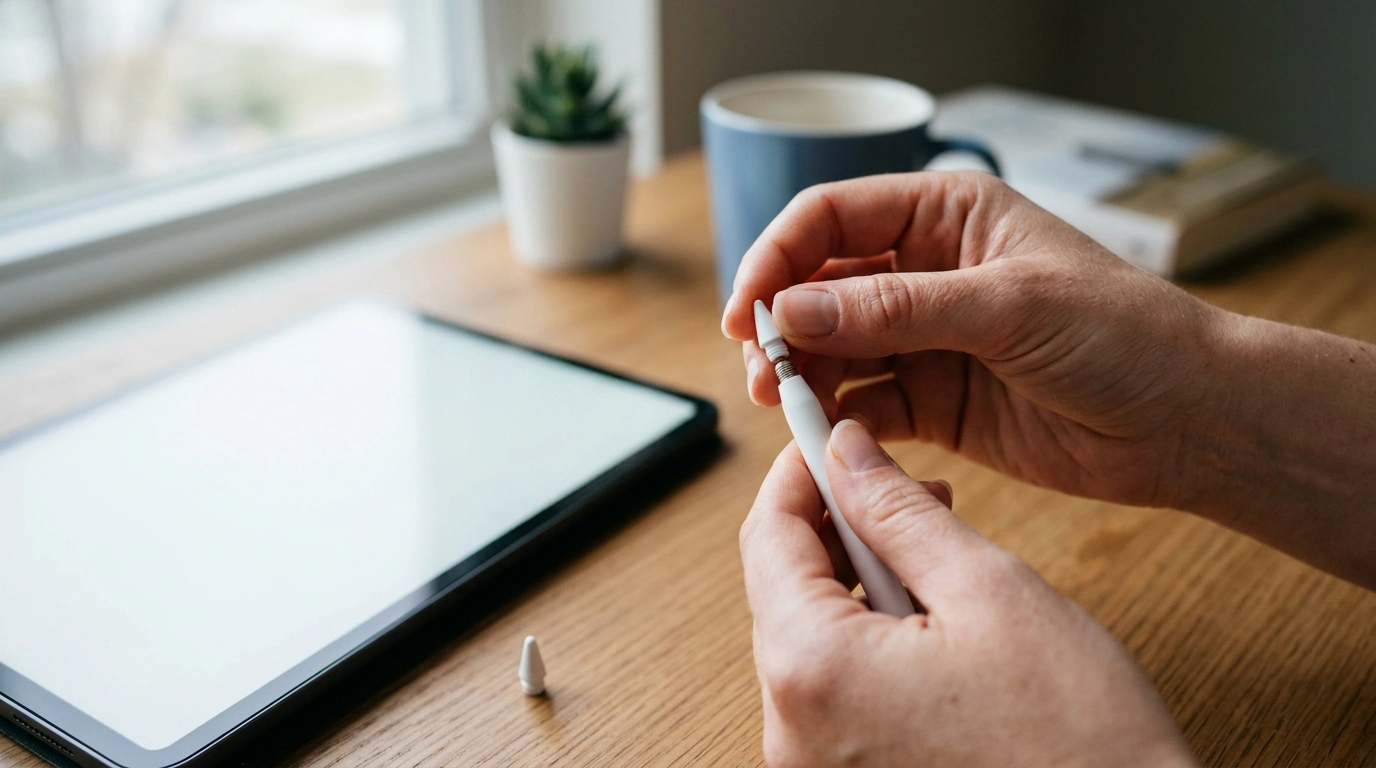
How long do Apple Pencil nibs last?
Apple Pencil nibs can last anywhere from a few months to more than a year. The useful life depends on how often you use your Pencil, how firmly you press, and the surface you draw or write on. A light note-taker may use the same nib for a long time, while an artist who draws daily may need replacements more often.
There is no fixed replacement schedule. We recommend checking the tip regularly and replacing it when its shape or performance changes, rather than waiting for a particular number of months.
What makes a nib wear faster?
Friction gradually wears down the nib. These habits and conditions can speed up that process:
- Frequent use: Long drawing, writing, or editing sessions put more contact time on the tip.
- Heavy pressure: Pressing hard creates more friction than using a lighter touch.
- Textured screen protectors: Paperlike surfaces can feel pleasant to draw on, but their texture may wear nibs faster than smooth glass.
- Dust or grit: Debris between the tip and screen can increase abrasion. Keep both surfaces clean with a soft, lint-free cloth.
How can you tell when the nib needs replacing?
Look for a flattened, rough, or uneven tip. You may also notice that the Pencil feels scratchy, skips strokes, or responds inconsistently. First, make sure the nib is screwed on securely; a loose tip can also cause intermittent input.
If the tip is visibly damaged or worn down enough to expose the metal underneath, stop using it and replace it promptly to help protect your screen. For a closer look at the process, read our guide to when and how to change Apple Pencil nibs.
How do you make a nib last longer?
Use a comfortable, light grip and avoid pressing harder than your task requires. Keep your screen clean, and store your Pencil where its tip will not be knocked against hard objects. If you prefer a textured screen protector, plan to inspect the nib more often.
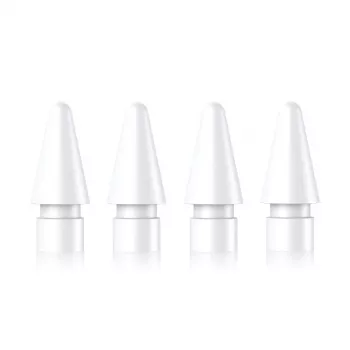
When it is time for a replacement, choose a nib compatible with your Apple Pencil model. Unscrew the old tip, screw the new one on snugly, and test it without overtightening.
FAQ
Can a loose Apple Pencil nib cause skipping?
Yes. A loose nib can interrupt contact and cause inconsistent strokes. Gently tighten it and test the Pencil again; replace the nib if it is damaged or remains scratchy.















Leave a comment