


Apple Pencil Replacement Nibs: When and How to Change Them
An Apple Pencil tip spends a lot of time against your screen. If yours looks worn or feels different during familiar tasks, replacing the nib may be a simple way to keep using the Pencil you already rely on. Our Precise and Durable Replacement Nibs are listed for Apple Pencil 1st and 2nd Gen. Here’s what to look for, what to confirm before ordering, and how to change a tip without rushing. For more guidance, see Voluntary Voting System Guidelines (VVSG) 2.0 to.
When a Fresh Nib Makes Sense
Start with a visual check. Look at the tip from a few angles for obvious wear or an uneven shape. Then pay attention to how it feels while you do something familiar, such as writing a note, marking up a document, or drawing a line in an app you use often. A noticeable change in feel is a reason to inspect the nib, though it doesn’t prove the nib is causing the problem. For further reading, see World Alzheimer Report 2021.
If you take notes or draw regularly, having a spare can be convenient. You won’t have to wait until an existing tip is visibly worn to find a replacement. The goal isn’t to promise a particular change in precision or performance; it’s to maintain a tool that’s already part of your routine.
Before replacing anything, make sure the current tip is seated properly and the screen is free of visible debris. If the tip looks sound but the Pencil behaves unexpectedly, the cause may be something else. A new nib is worth considering when there’s wear you can see or a change in feel that gives you a practical reason to try one.
Choose the Right Replacement for Your Pencil
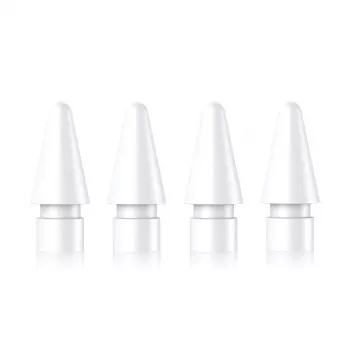
Our Precise and Durable Replacement Nibs for Apple Pencil (1st & 2nd Gen) are listed for those two Pencil generations. Identify your Pencil model before ordering rather than relying on your iPad model alone. The listing does not establish compatibility with Apple Pencil (USB-C) or Apple Pencil Pro.
If you’re unsure which Pencil you have, Apple’s Apple Pencil information can help you distinguish the models. Once you know yours is 1st or 2nd Gen, review our current product page for the details and availability shown at checkout.
A Quick Pre-Order Check
| Check | What to do | Why it matters |
|---|---|---|
| Pencil model | Confirm that your Pencil is 1st or 2nd Gen. | The replacement nib listing names those two generations. |
| Current tip | Look for obvious wear or an uneven shape. | It helps you decide whether a new nib is worth trying. |
| Product listing | Review the current product page before checkout. | Listing details and availability can change. |
This short check is especially useful if you share an iPad with someone else or have more than one Pencil at home. A replacement that matches the device you use isn’t necessarily the right one for every Pencil in the household.
Changing the Tip Without Rushing
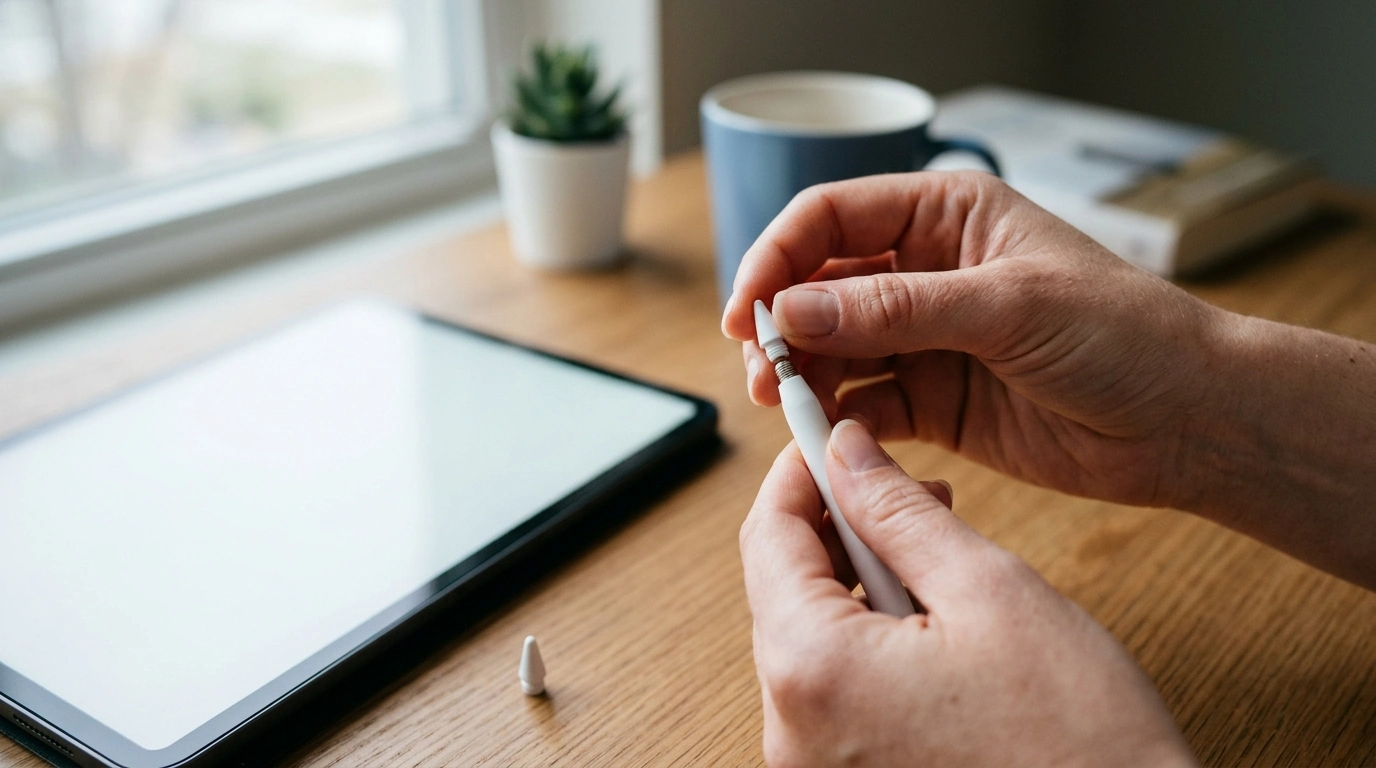
Set the Pencil aside so you can hold it steadily. Gently unscrew the existing tip, taking care not to twist or pull forcefully. Position the replacement nib and screw it on until it feels secure. There’s no need to tighten it as firmly as possible; stop rather than overtightening.
Once the new nib is attached, look to see that it sits evenly. Open an app you know well and try a few ordinary strokes. Using a familiar task makes it easier to notice how the Pencil feels without turning a quick check into a complicated test.
If the nib resists threading, doesn’t sit evenly, or seems loose after a gentle attempt to attach it, don’t force it. Confirm the Pencil model and consult Apple’s support guidance before trying again. Do the same if the Pencil still behaves unexpectedly after the change. Replacing a tip is one step you can try, not a fix for every writing or connection issue.
Small Habits That Help You Care for the Tip
Check the nib now and then, particularly if you use your Pencil throughout the day. A quick look can help you catch visible wear before your next long note-taking or drawing session. Keeping the Pencil and screen free of debris also helps you avoid mistaking a bit of grit for a problem with the tip.
Handle the Pencil gently when you put it down, and store it securely when you’re not using it. Those habits are sensible whether the nib is new or has been in use for a while; there’s no fixed replacement schedule that fits everyone’s routine.
Clean hands are another small part of a comfortable desk setup. If you’re refreshing that setup, our 500ml Glass Soap Dispenser Bottle is an option for a nearby sink. Keep soap away from the Pencil and screen, and follow the device maker’s guidance when cleaning either one.
If a spare tip would make your daily setup easier, take a look at our replacement nibs for Apple Pencil 1st and 2nd Gen. Confirm your Pencil model first, then you can keep a replacement ready for when the current tip shows signs of wear.
FAQ
Are these replacement nibs for both Apple Pencil generations?
Our product listing names Apple Pencil 1st and 2nd Gen. Confirm your Pencil model and review the current listing before purchasing.
How do I know when to replace an Apple Pencil nib?
Look for visible wear, an uneven-looking tip, or a noticeable change in feel. If the tip looks sound, consider other possible causes of the issue.
Should I tighten a replacement nib as firmly as possible?
No. Screw it on gently until it is secure; do not force or overtighten it.















Leave a comment