


Apple Pencil Alternative Nibs: Styles and How to Choose
What are some alternative nibs for the Apple Pencil?
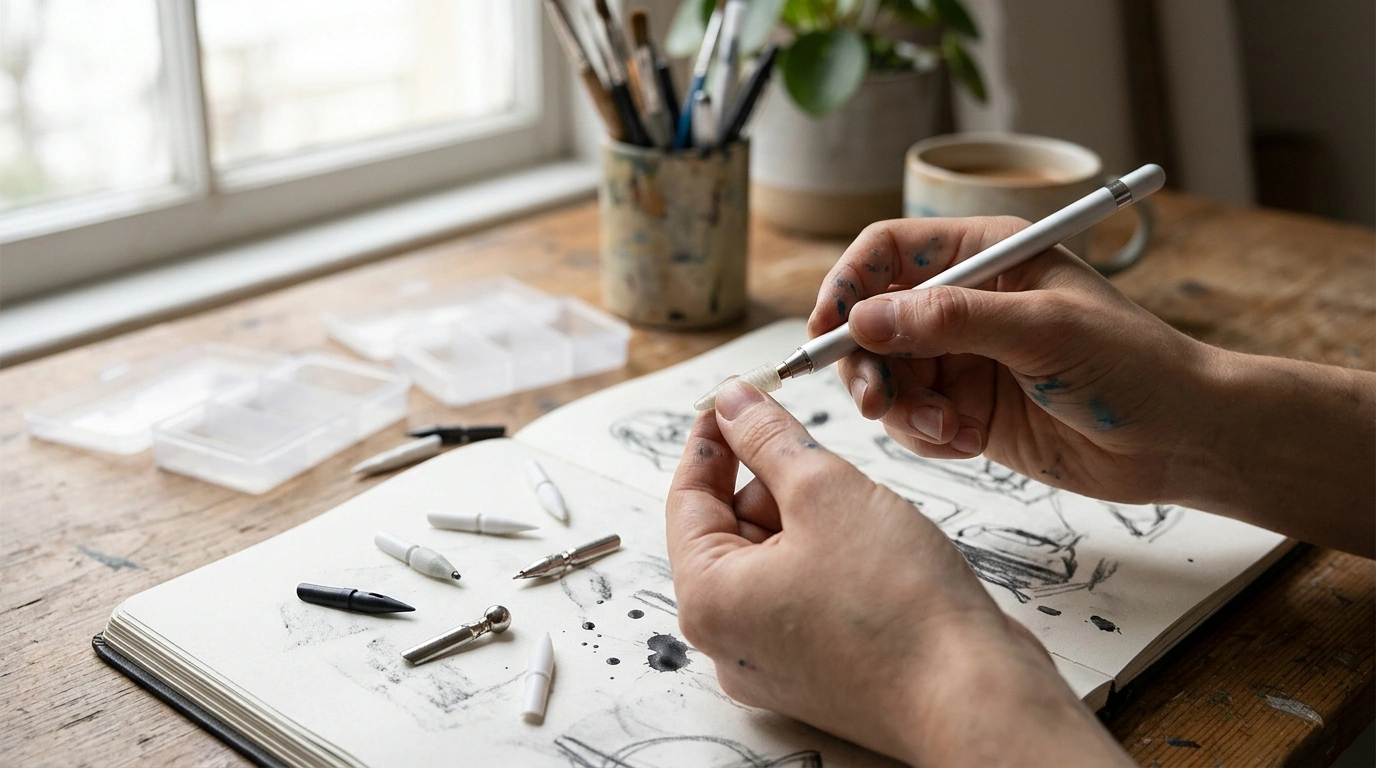
Alternative Apple Pencil nibs can change how the tip feels against your screen. You can choose a standard replacement for a familiar feel, a textured nib for more drag, or a fine-point design for a clearer view of your strokes. The best choice depends on whether you take notes, draw, or use your Pencil for a mix of tasks.
Before choosing, identify your Apple Pencil model. Apple Pencil Pro, Apple Pencil (USB-C), and the first- and second-generation models use compatible Apple replacement tips, but third-party designs may have narrower compatibility. Apple Pencil (1st generation) and Apple Pencil (2nd generation) also have features that differ from those of newer models, so a replacement tip will not add features your Pencil does not support.
Which nib style suits your work?
Standard replacement tips
Standard-style tips are a practical choice if you like the smooth feel of the original. They work well for everyday writing, navigation, and sketching without substantially changing how your Pencil moves across the screen. Apple replacement tips are an option when you want the familiar original design.
Textured or paper-feel tips
Textured tips add resistance for a less slippery writing or drawing experience. That extra drag can make controlled strokes feel easier, although it may also make quick movements feel slower. If you already use a textured screen protector, the combination may feel rougher than you want.
Fine-point tips
Fine-point alternatives have a narrower end that can make it easier to see where you are placing a line. They can appeal to artists working on small details or people who write compact notes. The feel varies by design, so a narrow tip is not automatically more accurate than a standard one.
Metal or capped tips
Some alternatives use a metal point or a small metal cap for a firmer feel. Choose a tip designed for use on a touchscreen, and stop using it if it develops a rough edge or leaves marks. A screen protector can provide an additional layer between the tip and your iPad display.
How do you choose and maintain a replacement nib?
Our team recommends starting with your Pencil model and your preferred feel. Screw the replacement on gently until it is secure, without overtightening, and replace it if it becomes loose, uneven, or visibly worn. For more help, see our guide to when and how to change Apple Pencil nibs.
FAQ
Will a replacement nib restore a worn Apple Pencil tip?
Yes. Replacing a worn tip can restore a smoother, more consistent contact point, provided the Pencil itself and your iPad screen are working properly.















Leave a comment