



CCS2 to Tesla Adapter Guide: 250A Fast DC Charging
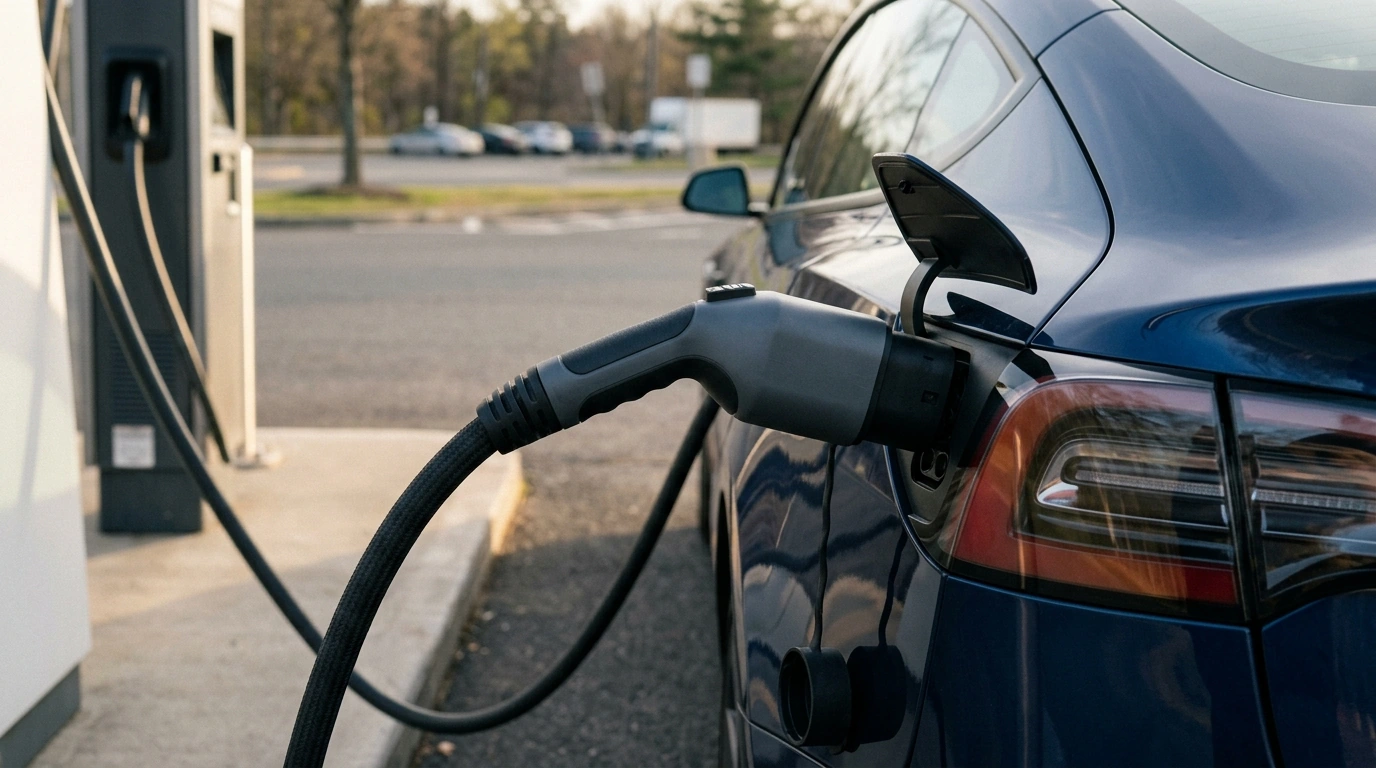
CCS2 to Tesla EV Charging Adapter: Rapid DC Charging Access Without Changing Your Car
Fast charging is only useful when the station in front of your car matches the port on your car. A CCS2 to Tesla adapter bridges that gap, letting a Tesla driver plug into more DC fast chargers that use the CCS2 connector type. Our team put this guide together to help you decide when this adapter makes sense, what to confirm before you buy, and how to use it smoothly when you’re traveling.
What this adapter does (and what it doesn’t)
A CCS2 to Tesla adapter is built for DC fast charging access where the charger has a CCS2 plug, but your vehicle has a Tesla-style inlet. Used with a compatible Tesla, it lets the car negotiate a DC charging session through a CCS2 station.
- Converts a CCS2 DC fast-charging plug to a Tesla-style inlet connection so compatible Tesla vehicles can accept DC charging from CCS2 stations.
- Designed for rapid charging scenarios where a CCS2 charger is available and a Tesla-style plug isn’t.
- Not a substitute for AC charging adapters. CCS2 is typically associated with DC fast charging; AC charging depends on your vehicle and the EVSE.
- Does not create charging capability your vehicle doesn’t already support—your car must support DC fast charging via a CCS-type source before an adapter will help.
If you want a deeper standards overview, CharIN’s explanation of the Combined Charging System is a solid reference: https://www.charin.global/technology/combined-charging-system-ccs/.
When a CCS2 to Tesla adapter is the right tool
This adapter earns its keep when your route doesn’t line up with Tesla-style DC plugs. It’s especially valuable when you’re optimizing for time, not just availability.
- Road trips where the quickest nearby station is CCS2 and Tesla-style plugs are limited or occupied.
- Regions and routes where CCS2 networks are more common than Tesla connectors, especially outside areas with dense Tesla charging coverage.
- Drivers who want one compact item in the trunk that expands station options without installing new hardware at home.
- Fleet, rideshare, or high-mileage drivers who benefit from fewer detours just to find a compatible fast charger.
Compatibility checklist before plugging in
Before you rely on any adapter for DC charging, make sure the full chain is compatible: car, station, session requirements, and the physical connection.
- Vehicle support: confirm your Tesla model and region support DC fast charging through the charge port when using a CCS-type source (some vehicles require manufacturer-enabled capability).
- Station connector type: verify the site uses CCS2 (not CCS1). CCS2 and CCS1 are different and not interchangeable.
- Charging session requirements: some stations need app activation, RFID membership cards, or payment setup before the plug energizes.
- Software readiness: keep your vehicle software current so charging negotiation and compatibility improvements are included.
- Physical fit: inspect the adapter and station plug for damage, debris, or moisture so you get a secure lock and clean electrical contact.
Tesla’s charging support hub is a helpful baseline for how charging behavior, session flow, and on-road charging typically work: https://www.tesla.com/support/charging.
Using a CCS2 fast charger with the adapter (simple routine)
A consistent connection routine prevents most “handshake failed” moments. Give yourself a few extra seconds at the start, and you’ll usually save minutes overall.
Rapid charging habits that keep sessions smoother
Quick spec and feature guide for this adapter
| Item | What to confirm | Why it matters |
|---|---|---|
| Connector standard | Charger is CCS2 (not CCS1) | Using the wrong standard prevents connection and can risk damage if forced |
| Vehicle compatibility | Tesla supports DC fast charging via CCS-type source in your region/configuration | An adapter can’t add DC capability that isn’t enabled on the car |
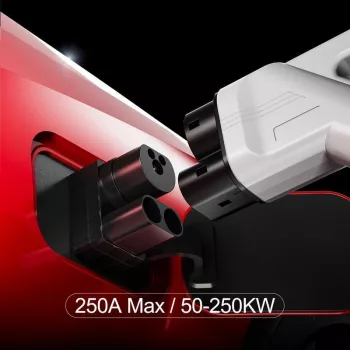
| Current rating | Adapter is rated for high-current rapid charging (this model: 250A) | Helps ensure the adapter is built for fast-charging loads |
| Connection quality | Clean, dry contacts; firm latch/lock engagement | Reduces charging faults and heat from poor contact |
| Session workflow | Stop session before disconnecting; follow station prompts | Prevents lock errors and abrupt disconnect events |
Care, storage, and troubleshooting basics
Product picks for your glovebox or trunk
FAQ
Will a CCS2 to Tesla adapter work at any fast charger?
It will only work at DC fast chargers that specifically provide a CCS2 connector, and your Tesla must support DC fast charging via that interface in your region and configuration. You’ll still need to follow the charger network’s activation and payment steps for the session to start.
Does a 250A-rated adapter guarantee faster charging?
No—250A indicates what the adapter is built to handle safely, not what your car will always draw. Actual charging speed depends on the charger’s capability, your vehicle’s limits, and battery temperature and state of charge.
What’s the safest connection order when using the adapter?
Connect the CCS2 handle fully into the adapter first, then connect the adapter to your vehicle until it locks, and only then start the charging session. When you’re done, stop the session first, disconnect from the vehicle, and remove the CCS2 handle last.















Leave a comment